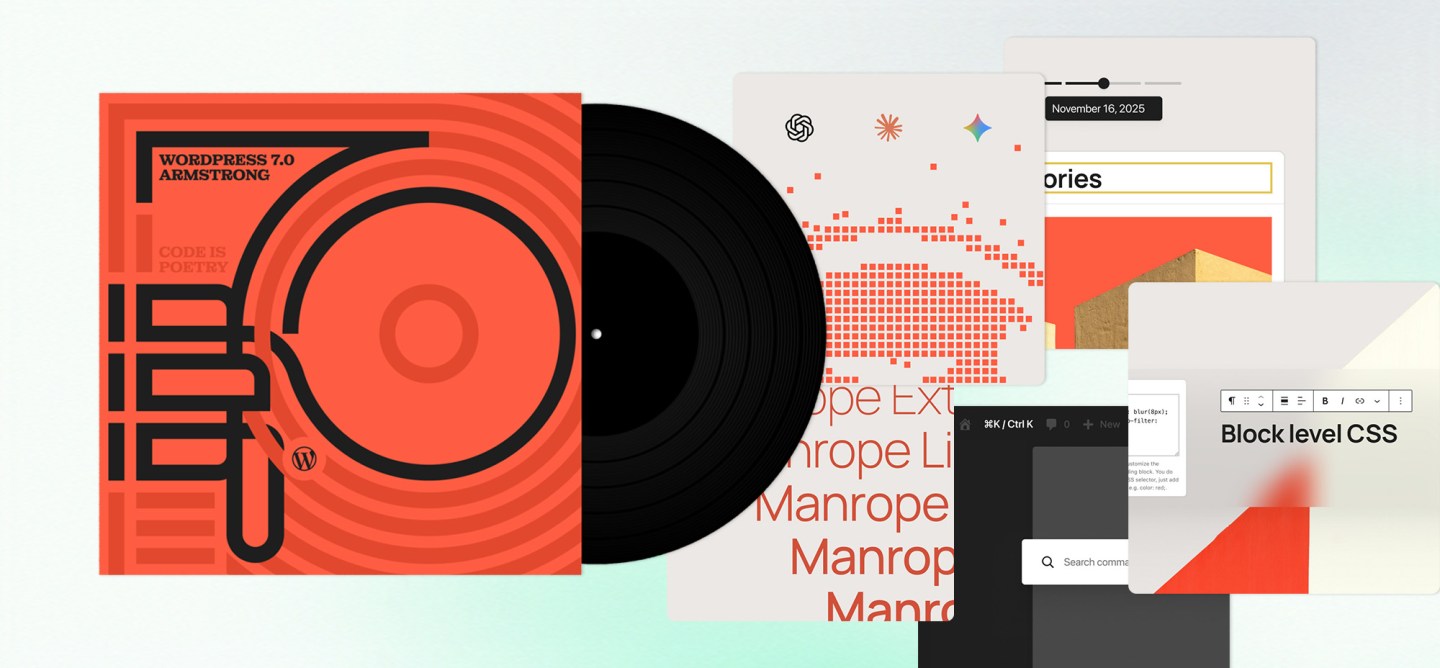
WordPress 7.0 arrives with a name that carries some weight. Named “Armstrong” in honour of Louis Armstrong, the release draws a deliberate parallel: the way the jazz legend wove his personal touch into an entire art form, transforming it from the inside. WordPress 7.0 sets up a similar kind of transformation, laying what Automattic describes as “the foundation for AI across the WordPress experience.”
AI Moves Into Core
The most structurally significant change in WordPress 7.0 is also the least visible to end users: a new AI Client built directly into core WordPress. Until now, AI capabilities in WordPress have arrived through third-party plugins, each managing its own connection logic, authentication, and configuration. That fragmentation has been a persistent friction point for teams trying to build coherent AI-assisted workflows.
The AI Client changes the architecture, giving WordPress a native mechanism for communicating with generative AI models, while a central Connector screen in the dashboard manages all external connections from one place. Administrators can authenticate and configure integrations in a few clicks, starting from three presets or adding their own connections. The result is an AI setup that behaves like part of the platform.
7.0 also introduces the Client-Side Abilities package, a JavaScript counterpart to the Abilities API that brings a built-in UI and command palette into the browser. Together, they extend what WordPress can do across the stack and form the core of what 7.0 positions as an “AI-integrated WordPress.”
A dedicated AI plugin expands on that foundation with concrete editorial tools: image generation and editing, title and excerpt creation, and alt text suggestions. These are practical capabilities that content teams can start using immediately, without custom development work.
For enterprise teams, the implications run deeper than the feature list. A standardized AI layer in core reduces the overhead of managing multiple plugin-level integrations, simplifies vendor transitions as AI providers evolve, and creates a consistent surface for building AI-assisted workflows across a WordPress platform.
A Dashboard Built for 2026
WordPress 7.0 introduces a fully redesigned admin dashboard, the first substantial visual overhaul the interface has seen in some time. The update brings a modern colour scheme, cleaner transitions between screens, and a general refinement of the admin experience that has long lagged behind the front-end editing tools.
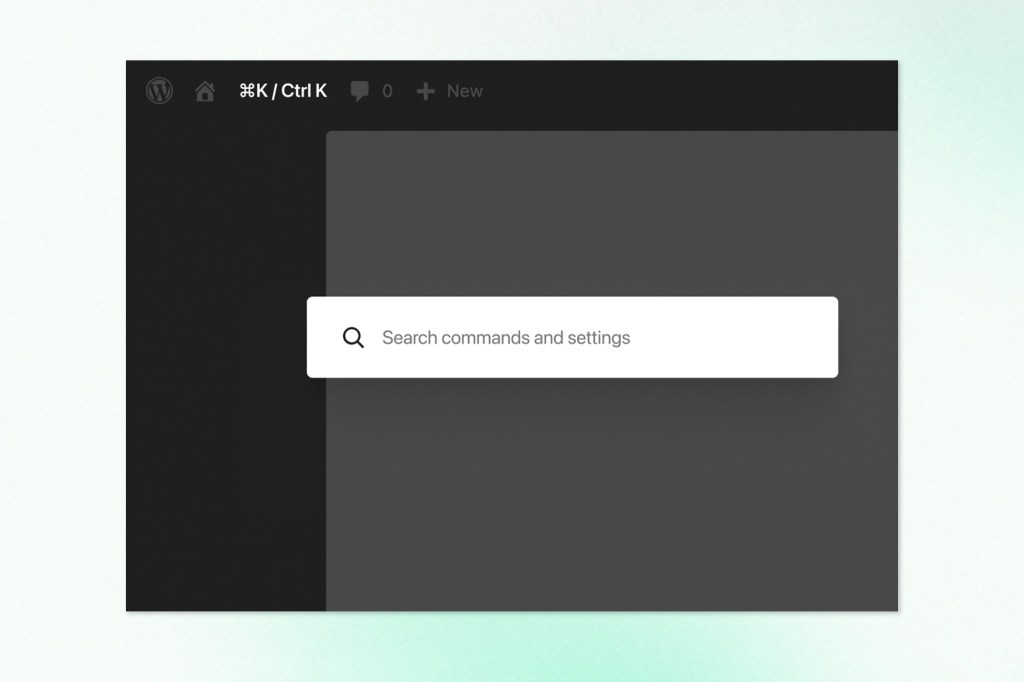
The most operationally useful addition is a Command Palette, accessible via a new icon in the upper admin bar or the standard keyboard shortcut (⌘K on Mac, Ctrl+K on Windows). It provides quick access to tools and screens from anywhere in the dashboard, reducing the navigation overhead that accumulates across a busy editorial day.
Font management also gets a dedicated page in 7.0, accessible across block, hybrid, and classic themes from a single location. Teams managing brand typography across a large WordPress installation now have a centralized place to install, upload, and manage their font collection rather than handling it theme by theme.
The revision interface has been improved as well. Editors can now visually scrub through revision versions with markers that make editorial changes easier to read at a glance, then restore a selected version immediately. The result is a revision workflow that is meaningfully more usable than the older comparison view.
Blocks, Design Tools, and Responsiveness
WordPress 7.0 continues expanding the block editor with four new blocks: a Gallery block that supports lightbox slideshows, a Heading block for finer markup control, a Breadcrumbs block for structured site navigation, and an Icons block backed by a registration API. The Breadcrumbs addition is worth noting specifically, as it brings a navigation element with real SEO and UX implications into the native block system.
Responsiveness controls receive a meaningful upgrade. Editors can now hide or reveal specific blocks based on device type without affecting other viewports, adjust styles at different breakpoints, and define custom breakpoints directly. Decisions that previously required CSS overrides or theme-level configuration can now be made at the content level.
Navigation design gains more flexibility as well. Mobile menu overlays are now fully customizable using blocks and patterns, giving site builders the ability to design navigation experiences, including column layouts, custom typography, and embedded close buttons, directly within the editor.
Patterns show a structural improvement. They now function as a single unit by default, with the option to detach individual elements for more granular customization. And custom CSS is now available at the block level within posts and pages, giving editors direct style control without leaving the editing interface.
Developer Infrastructure
On the development side, 7.0 expands the toolset available for building WordPress-native functionality. Blocks and patterns can now be created server-side using PHP alone, with automatic registration through the block API. The Site Editor becomes more extensible through new routing capabilities, route validation, and a new wordpress/boot package that lets plugins build custom Site Editor pages.
These additions matter for teams managing custom WordPress platforms. Server-side block registration lowers the JavaScript overhead for content structures that do not require client-side interactivity. The Site Editor extensibility opens up architectural possibilities for organizations using WordPress as an application framework rather than a simple publishing tool.
The Feature That Didn’t Ship
Real-time collaboration was one of the most anticipated additions on the WordPress 7.0 roadmap. It isn’t in the release.
Matt Mullenweg made the call to pull it, citing concerns that the current implementation wasn’t stable enough for core. The specific issues named: surface area, race conditions, server load, memory efficiency, and recurring bugs surfaced through fuzz testing. The feature had significant contributor investment behind it, which made the decision harder, but the priority was a stable release over a complete one.
Real-time collaboration remains on the roadmap, with broader testing and continued development planned now that 7.0 is out the door.
The reasoning matters. Race conditions and memory efficiency problems at scale are not minor polish issues. They are exactly the kind of concerns that surface in enterprise deployments, where editorial teams are large and concurrent editing sessions are routine. Shipping with those problems unresolved would have caused real damage in production. Pulling the feature was the right call, even if the timing stings for teams that had been planning around it.
Enterprise WordPress and the 7.0 Upgrade
WordPress 7.0 marks a meaningful shift in how the platform relates to AI. Rather than leaving AI integration to the plugin ecosystem, Automattic has brought the foundational layer into core. The Connector framework, the Abilities API, and the AI Client are infrastructure decisions, and like most infrastructure decisions, their value compounds over time as the ecosystem builds on top of them.
The dashboard modernization and block improvements are less dramatic but address real friction. Teams that spend significant time in the WordPress admin benefit from a cleaner interface, better font management, more intuitive revision review, and responsiveness controls that reduce dependency on custom theme work.
For organizations running WordPress as a strategic digital platform, 7.0 represents a well-timed foundation upgrade. The AI layer is ready to support integrations that would have required significant custom engineering even six months ago. The editing improvements reduce the technical overhead on content operations teams. And the developer tooling expands what is possible for teams building custom experiences on top of WordPress.
At Trew Knowledge, we help enterprises design, build, and support WordPress platforms that integrate with modern technologies, from AI-powered workflows to complex multisite ecosystems. If your team is evaluating how WordPress 7.0 fits into your digital strategy, we are happy to talk through what these capabilities could mean in practice.